Embedding interactive elements in Quarto

Producing and Designing HTML Course Materials, Edinburgh

Tom Coleman

2026-08-06

Context

  • Lecturer (Education Focused) in mathematics

  • passion for creating good resources / very shallow technical background

  • currently using Quarto to produce publicly available free-to-use, accessible and inclusive maths and stats support resources

  • co-create these resources with students as part of a Vertically Integrated Project module at St Andrews

Methods (1/2)

wide range of topics necessitate wide range of methods for best results

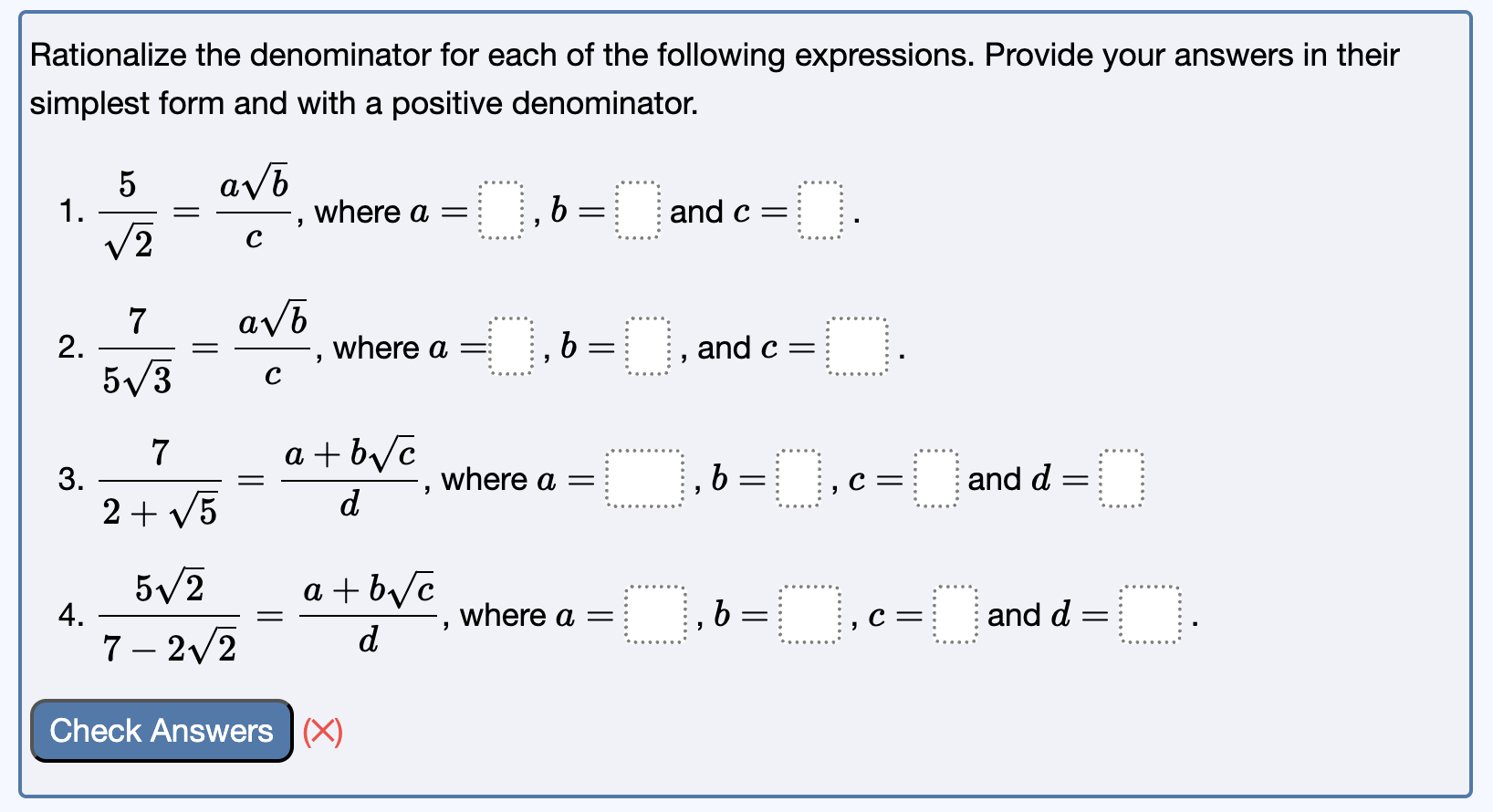
  • R package webexercises for ‘quick-check’ questions (true or false, multiple choice…)

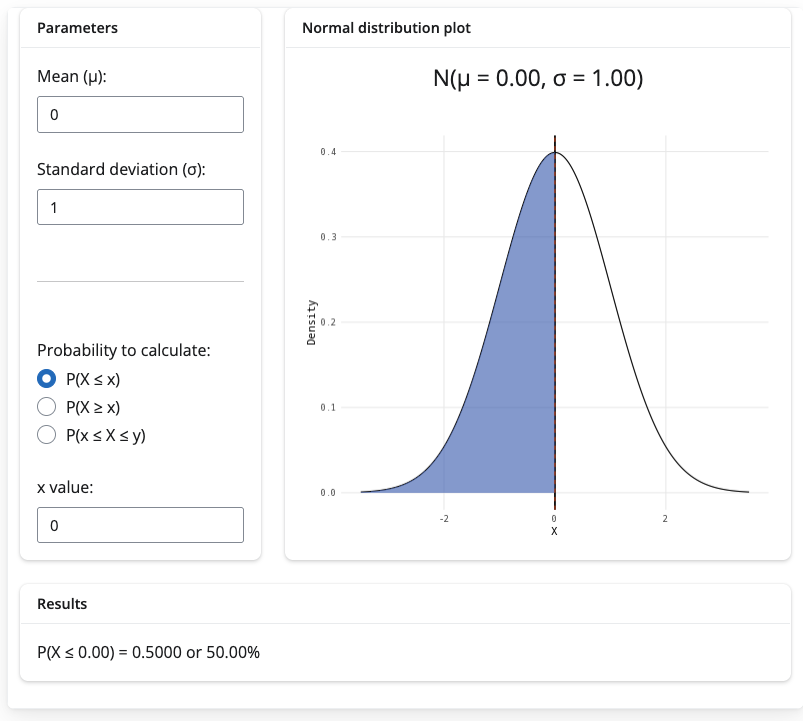
  • Quarto’s synergy with R encourages R Shiny apps, particularly good for statistics

    • works best with a dedicated R Shiny server (money)

    • but can use R Shiny Live to run these apps without a server (free, at the cost of longer loading times)

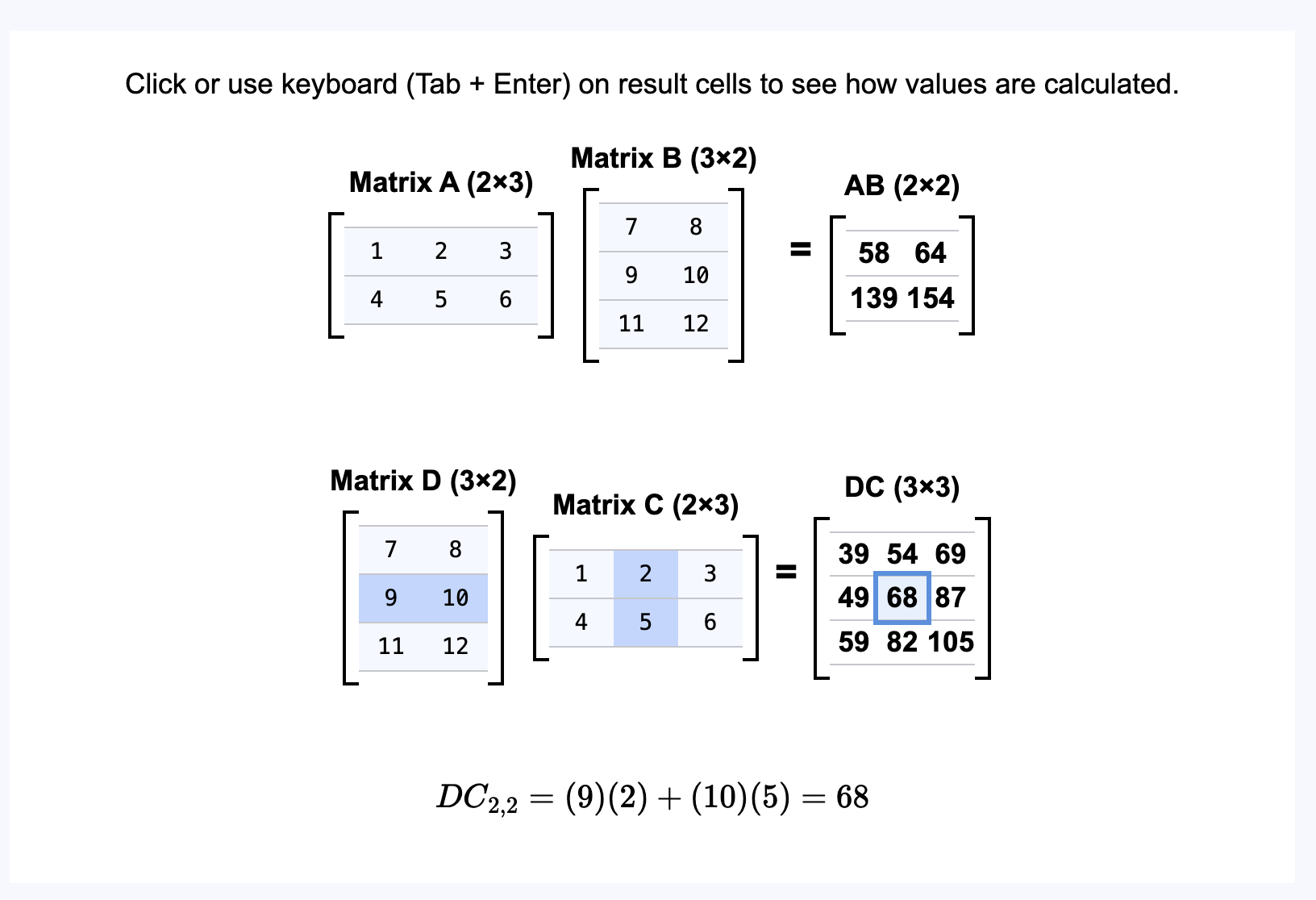
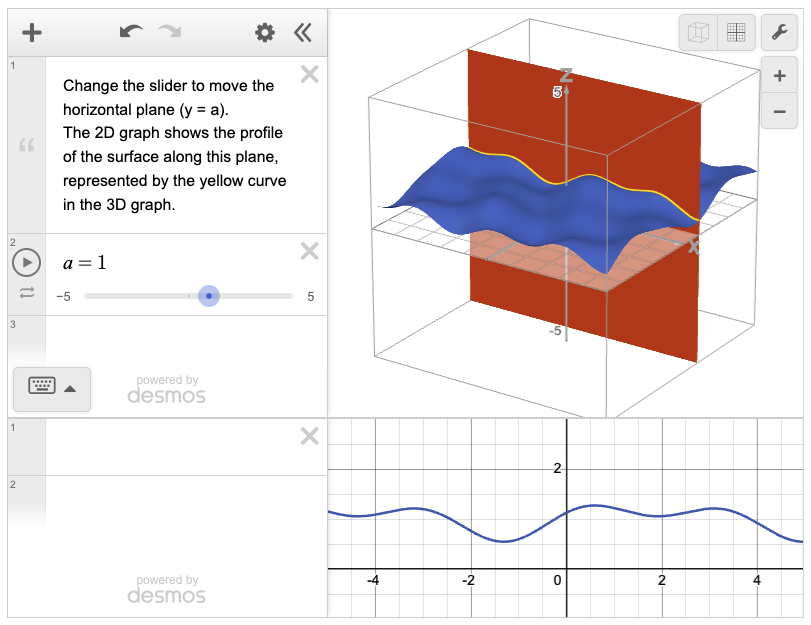
  • Desmos is best for graphs / recognisable brand for students / accessibility features built-in

    • can use Desmos API environment for full editability (money)

    • can embed directly from Desmos without API (free, restricted features)

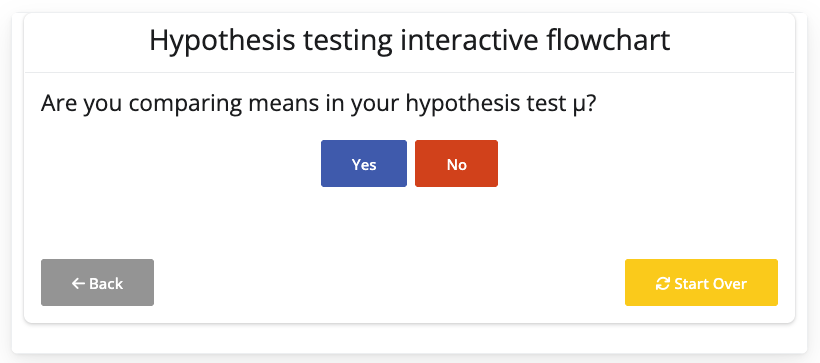
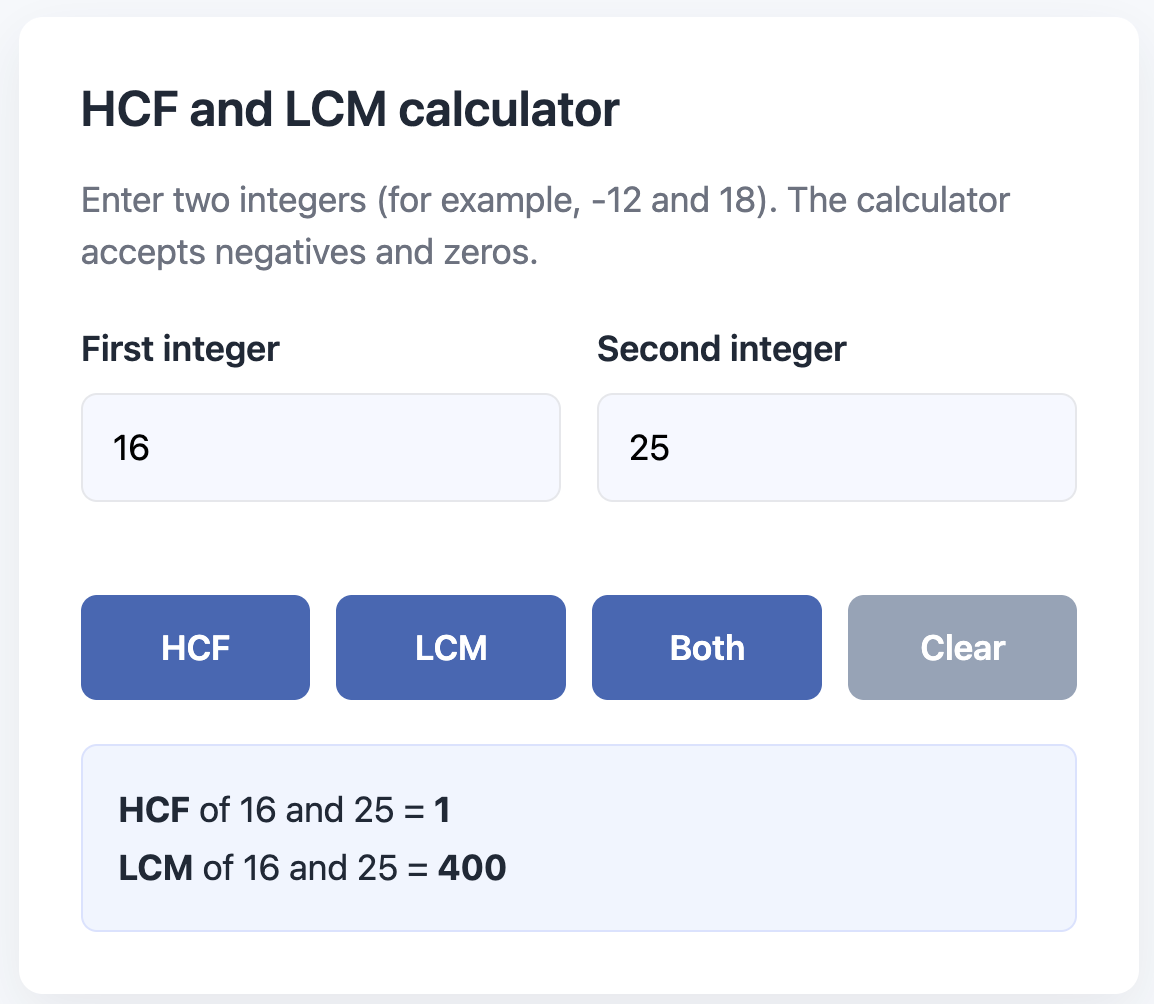
  • raw html provides natural flexibility for everything else (calculators, animations…)

Methods (2/2)

generative AI provides starting points for use of these tools

  • R Shiny Assistant (for R Shiny) / Copilot (for html) / ChatGPT (for html/Desmos API environment)

  • teachable moments for students in using generative AI responsibly

  • have to ask specifically for accessibility features (standard genAI)

use conditional content tags if using multiple outputs

::: {.content-visible when-format="html"}
interactive content
:::

::: {.content-hidden when-format="html"}
non-interactive content for printable versions
:::

How to embed

(three ticks){=html}
embeddable content
(three ticks)

with API key

format:
  html:
    include-in-header: 
    - text: <script src="desmos_API_key_link"></script>

then use Desmos’ documentation to start building (clickable) (step 1 covered by above)

without API key

  • draw graph using Desmos graphical calculator
  • share button / ‘embed snapshot’
  • paste iframe code into html tags in Quarto
(three ticks){=html}
Desmos iframe
(three ticks)

for Shinylive, no server

  • install shinylive quarto extension link to github

  • in _quarto.yml file (or put filter on each relevant .qmd file)

format:
  html:
    include-in-header: 
    - text: <script src="https://esm.sh/shinylive-r"></script>
    filters:
    - shinylive
  • in .qmd file
[three ticks]{shinylive-r}
#| standalone: true
#| viewerHeight: 500

R Shiny app here
[three ticks]
[three ticks]{r, setup, include = FALSE}
library("webexercises")
[three ticks]
  • follow documentation to create webex-boxes where you want questions in your text
Want more?

thank you for listening!